Colour kit for jiu-jitsu gyms & events
Mat
Grade
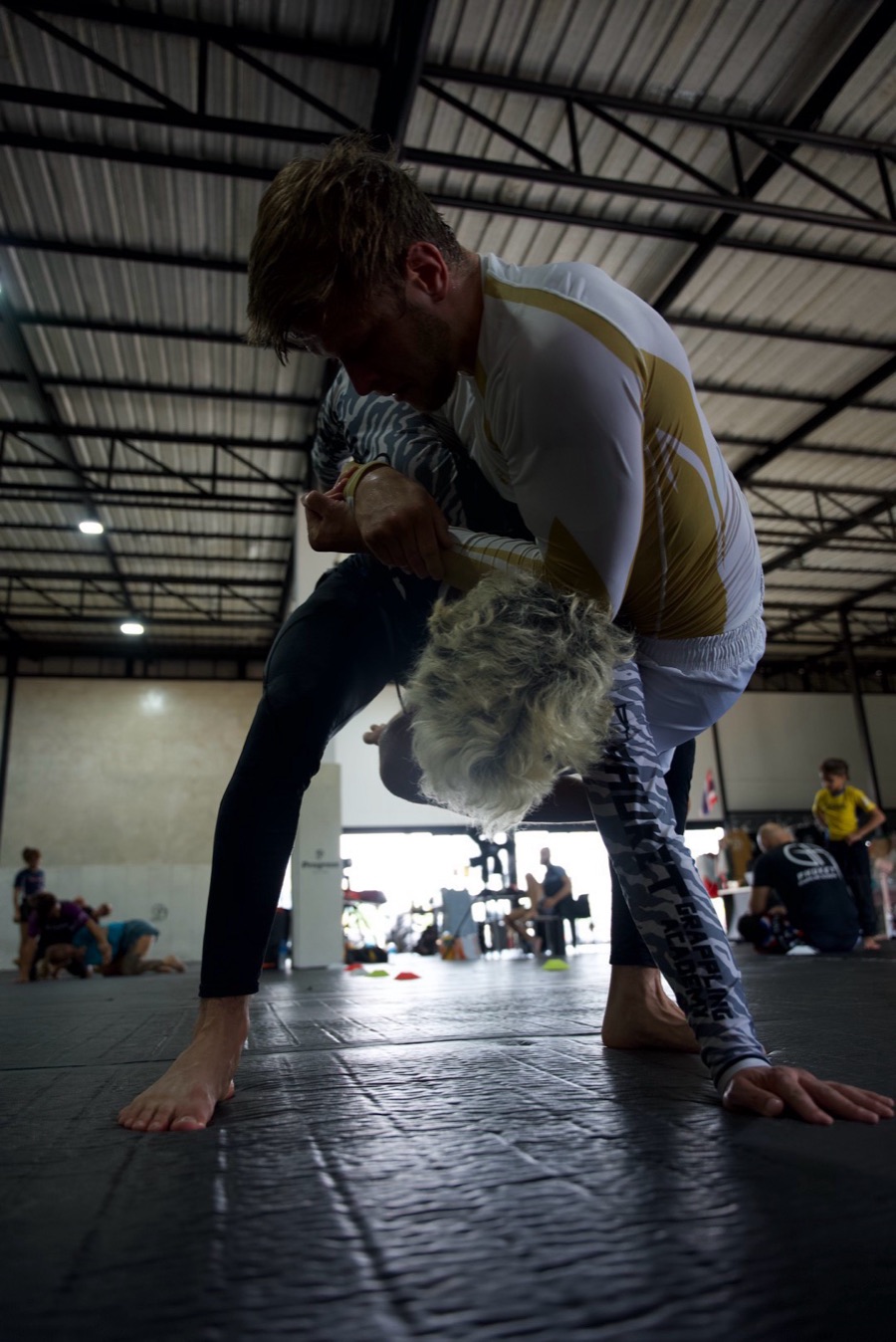
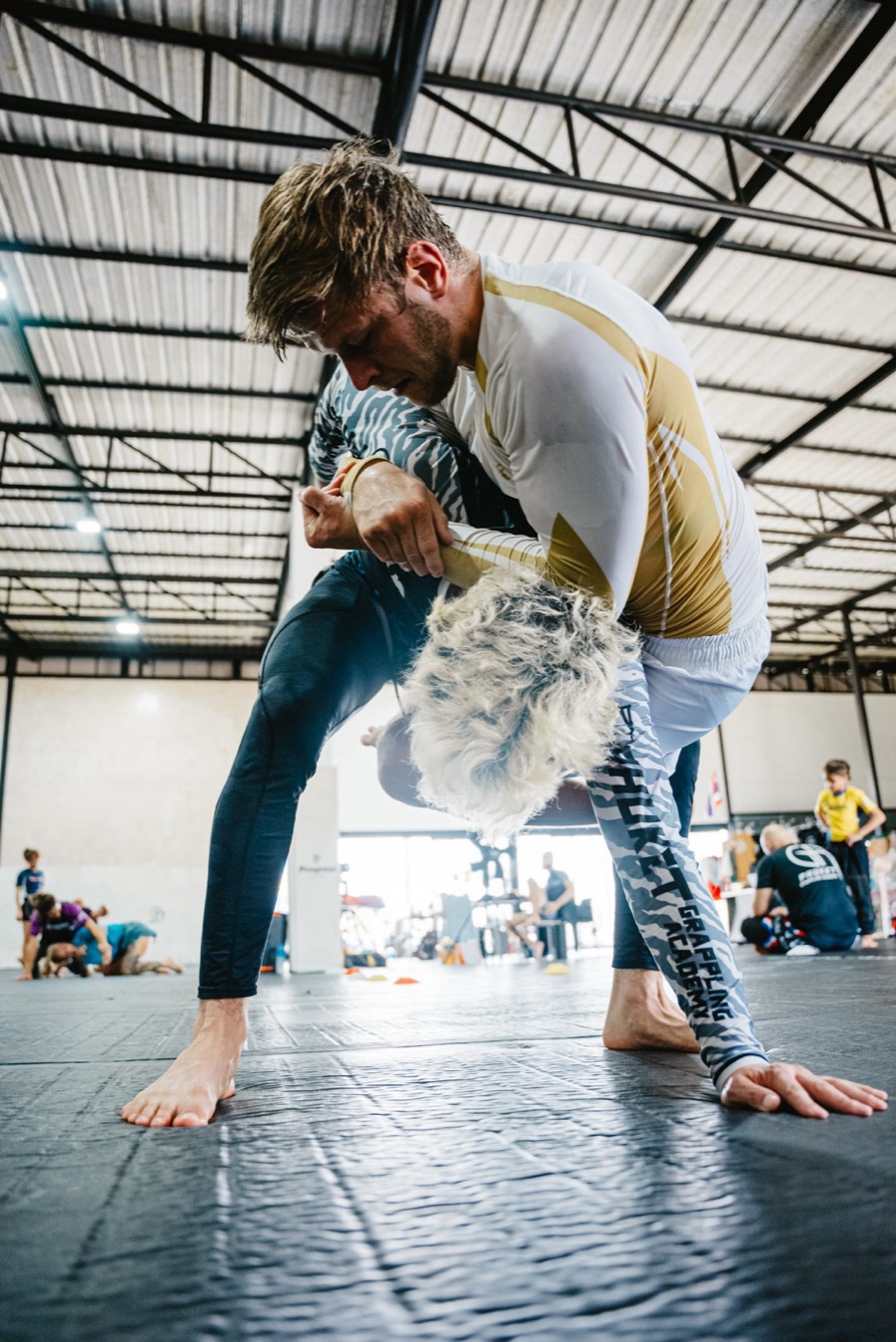
Real footage and a real photo, straight from the camera vs graded. Drag to compare.
Make S-Log3 footage from gyms and jiu-jitsu events look like it felt on the mats: clean skin, true mat colours, no fluorescent green. A DaVinci Resolve node tree, a tutorial that explains every node, and a matching Lightroom preset.
Card, Apple Pay or PayPal · Secure checkout by Lemon Squeezy · Instant download
What you get
Four files. One look.
Your photos and footage come out with the same colour, whatever your gym's lighting or mats.
The Walkthrough
Build the node tree from scratch in Resolve. You'll learn what each node does and how to adjust it for your own gym's lighting and mats.
The Node Tree
The finished S-Log3 grade, ready to drop onto a clip. There's also a .cube LUT for Premiere, Final Cut or CapCut.
The Gym Preset
A Lightroom preset for the same look on photos, for Lightroom Classic, desktop and mobile.
Tuned to Your Gym
Fixes for 4 lighting setups (fluorescent tubes, LED panels, mixed daylight, dim light) and 4 mat colours (blue, red, black, grey), with the camera settings to aim for and an event-day workflow.
Who's behind it
Made by a filmmaker who trains
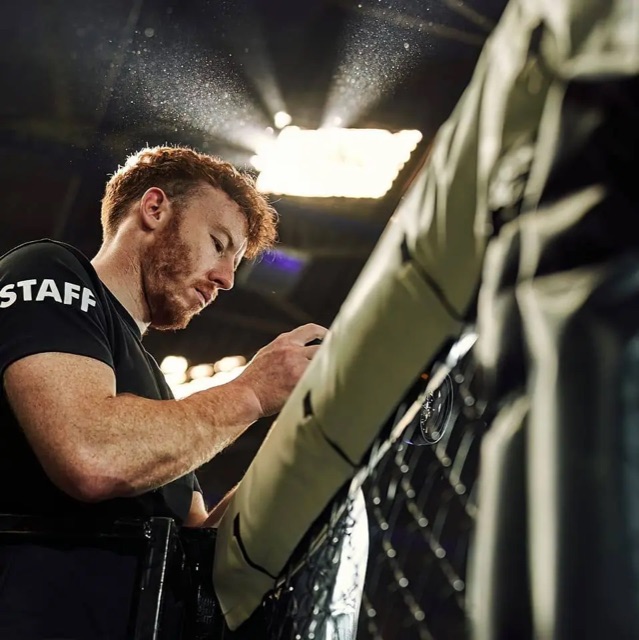
I'm Pete. I've filmed combat sports for 8 years and founded Roaming Rolls, the jiu-jitsu media page behind some of the sport's most-watched clips. Mat Grade is built from the colour workflow I use on my own gym and event shoots.
- Years filming combat sports
- 8
- Followers on @roamingrolls
- 29.8K
- Views on my most viral reel
- 13M
- Views for CJI in 2 days
- 65M+
Worked with
- CJI
- PGF
- UAE National MMA Team
- Scramble
- OG Fightwear
- Phuket Grappling Academy
Why gym footage looks off
Gyms are hard to light
Most LUTs are made for sunsets and street shots. The fixes in this kit are for the problems you get in a grappling gym or a competition hall.
Green tubes
Fluorescent lights turn skin sickly green-yellow. Correcting white balance alone won't fix it.
Mixed light
Daylight from a roller door, LED panels overhead and tungsten in the office, all in one frame.
Mat colours
Blue mats oversaturate and black mats turn into flat mush. Both pull focus from the rolling.
Top light
Overhead lights leave dark eye sockets and grey skin, right when someone is setting up a submission.
Customisable to where you shoot
Tuned to your gym
No two gyms are the same. The pack includes a PDF guide for 4 lighting setups and 4 mat colours: what goes wrong, which part of the grade to adjust, and the camera settings to aim for before you hit record. Pick your lighting, then your mat colour.
Lighting
Mat colour
What you'll see
Adjust in the grade
Camera settings to aim for
Starting point for every gym
Questions
FAQ
Do I need the paid version of DaVinci Resolve?
No. Every node in the tree works in the free version of Resolve.
I shoot Canon C-Log or Panasonic V-Log. Will it work?
The grade is built for S-Log3. The tutorial shows you how to change the Input CST node for your camera's log profile. After that, the rest of the tree works the same way.
Can this be applied to event coverage?
Yes. Mat Grade works for jiu-jitsu competitions as well as classes, but event venues bring extra factors that can change how the grade looks. Check for these and adjust per mat:
- Different lights on each mat. Halls often mix high-bay lights, LED panels and older tubes, so one grade may need a small balance tweak per mat.
- Daylight that changes through the day. Open doors and windows shift colour and brightness from the morning rounds to the finals.
- Flicker from venue lights. High-bay and cheap LED lights can flicker or band on camera at the wrong shutter speed.
- Several cameras. Different bodies, lenses and angles won't match straight out of camera.
- Coloured bounce. Sponsor banners, backdrops and brightly coloured mats reflect colour onto skin.
- Screens and livestream lights. Scoreboards, LED screens and broadcast lights add their own colour casts.
Can I pay with PayPal?
Yes. Lemon Squeezy's checkout takes PayPal, cards and Apple Pay.
How do I get the files?
Straight after payment you get a download link on screen and by email. It includes the tutorial, the .drx PowerGrade, the .cube LUT, the Lightroom presets and the Tuned to Your Gym PDF guide.
Will the preset work on my gym without tweaking?
It gets you most of the way. Every gym is different, so the pack includes a guide for 4 lighting setups (fluorescent tubes, LED panels, mixed daylight and dim light) and 4 mat colours (blue, red, black and grey) with the exact settings to adjust.
The matside booster pack
Your matside
editing companion.
Film the rounds or the finals, drop the grade on, and post the clip before the venue has emptied.
Card, Apple Pay or PayPal · Instant download